Ever feel like your household is living in different time zones—even when you’re all under the same roof?
You’re trying to manage patient care, clinic meetings, school schedules, grocery lists, travel plans, and somehow still remember your niece’s birthday.
Meanwhile, your partner texts, “Wait—are you on call tonight or next week?” and the school sends yet another “Reminder: early dismissal tomorrow!” email you swear you’ve already seen three times.
If this sounds familiar, you’re not disorganized—you’re overscheduled.
That’s where a shared calendar for family becomes not just helpful, but essential. It’s the one simple system that makes the invisible visible—turning chaos into clarity and putting everyone on the same literal page.
Today we’re diving into exactly how to do that.
You’ll learn three practical ways to set up and use a shared family calendar—digital, physical, and hybrid—plus a full step-by-step tutorial for Google Calendar, real-life examples, and daily habits that will make it stick.
Because your brain was built for medicine—not for remembering when spirit day, soccer practice, and Grandma’s birthday dinner all happen to collide.
Why a Shared Calendar for Family Changes Everything
Let’s start with the truth most physician families know too well:
No one is seeing the same reality.
You know your call schedule inside out, your partner’s trying to keep track of the kids’ activities, and somehow—despite all the effort—you still end up double-booked, missing a school concert, or showing up at the wrong field at the wrong time.
I’ve been there.
For years, I tried to carry it all in my head—my clinic days, my husband’s meetings, the kids’ events, family gatherings. I could juggle it… until I couldn’t.
One day, I realized I’d double-booked myself. I promised to attend my niece’s school performance, then—without realizing it—scheduled a late patient follow-up that same evening. My family was disappointed. I was mortified.
That night, I sat down and admitted something important:
I couldn’t keep being the sole keeper of the family calendar.
We needed one shared system that everyone could see, understand, and contribute to.
And once we set it up, everything changed.
- The “who’s doing what, when, and where” stopped being a mystery.
- The endless text chains about logistics disappeared.
- And my mental load dropped—dramatically.
A shared calendar for family doesn’t just help you remember events. It changes the emotional climate of your home.
Here’s why:
1. It reduces arguments and last-minute surprises.
When everyone sees the same calendar, there’s no more confusion about who forgot what. Transparency equals teamwork.
2. It distributes responsibility.
Your partner and older kids become active participants in managing time, not passive recipients of reminders.
3. It takes the pressure off you.
You stop being the family’s default “walking planner.” Instead, everyone knows where to look for the answer.
4. It aligns work and home.
Your call schedule, conferences, and late clinics become visible to your family—helping everyone plan realistically around them.
5. It restores mental space.
You’re no longer constantly running background checks on logistics. You can finally use your brain for the things that actually matter.
The Three Most Effective Ways to Use a Shared Calendar for Family
There’s no one-size-fits-all approach. The best system is the one you’ll actually use.
Below are the three most effective setups I’ve seen work for busy physicians and their families.
1. Digital-Only: The Always-Accessible Option
If you love your phone, live in your email, and already use Google, Apple, or Outlook, this option is for you.
Create one dedicated calendar just for your family. It should live outside your personal or work calendar so you can toggle it on and off easily.
Setup ideas:
- Google Calendar: Free, easy to share, integrates with iPhone and Android.
- Apple Calendar: Great if your family’s all on Apple devices.
- Outlook: Ideal if your medical system uses Microsoft tools.
Once it’s set up, color-code everything.
Use blue for work shifts, green for kids’ activities, pink for your self-care or personal time, and purple for family events.
Pro tip:
Mark your call shifts clearly. That one simple step can prevent so many “Oops, we planned dinner that night!” moments.
If your partner has a big presentation or a travel day, block that too—so you can anticipate where you’ll need to fill in at home.
Digital calendars work best for:
- Families who use phones or tablets daily
- Couples with variable work hours or on-call schedules
- Parents who travel frequently or coordinate with multiple caregivers
Bonus feature: You can turn on smart alerts for key events—like 1 day before the school concert and 10 minutes before the carpool pickup. You’ll never again be caught off guard by “Wait, that’s tonight?”
2. Physical-Only: The Big Visual Board
Sometimes the best calendar is one everyone can see.
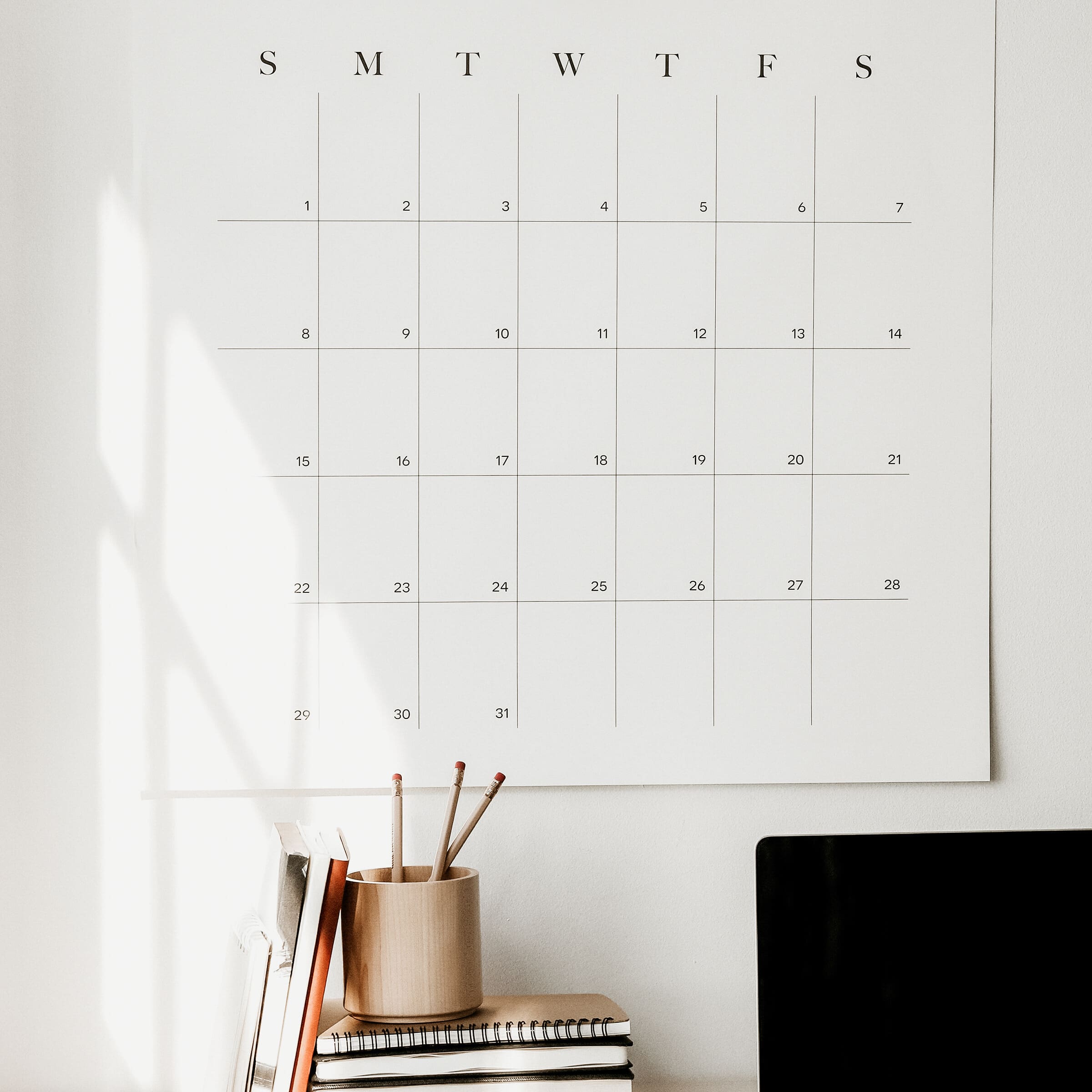
Think: a big whiteboard in the kitchen, a wall calendar in the mudroom, or even a chalkboard near the family entrance.
Each Sunday, list the week’s top priorities:
- Call shifts
- Sports and extracurriculars
- School events
- Travel
- Family dinners or special nights
Kids love this method because they can literally see what’s happening.
It’s tangible, visual, and great for families with younger children.
You can use sticky notes for flexible plans, color-coded markers, or even fun stickers.
On Sunday evenings, hold a family huddle.
Everyone adds their week’s events:
- Kids write down soccer or piano.
- Parents add meetings or shifts.
- Together, you block family time.
This small ritual does more than organize your week—it teaches your kids life skills about planning and responsibility.
Physical calendars work best for:
- Families with younger children
- Households where not everyone checks digital tools
- Visual learners who like seeing the week laid out
3. Hybrid System: The Best of Both Worlds
The most sustainable solution for most physician families? A hybrid system.
Here’s how it works:
Use your digital calendar for long-term planning (like vacations, school breaks, and call schedules) and your physical wall calendar for the week ahead.
This combo keeps everyone in sync—without cluttering your digital space with endless daily details.
Example:
A friend of mine, a cardiologist, sets her call schedule in Google Calendar six months out. Every Sunday, she and her family update their kitchen board for the coming week.
It’s visual for the kids, real-time for her spouse, and fully aligned for everyone.
Why it works:
- Digital = accuracy and long-range planning
- Physical = visibility and engagement
Hybrid calendars work best for:
- Families with both adults and kids contributing
- Doctors with long-term rotating schedules
- People who need the visual reminder and the tech convenience
Step-by-Step: How to Create a Shared Google Calendar
If you’re new to this, don’t worry—it’s easier than you think.
Follow this quick guide to create your shared calendar for family in under 10 minutes.
Step 1: Create the Calendar
- Go to Google Calendar on your browser.
- In the left sidebar, click the + next to “Other calendars.”
- Choose Create new calendar.
- Give it a name (e.g., “Family Calendar”) and click Create.
You can even add a little emoji—like a house or heart—for fun.
Step 2: Share It with Your Family
- On the left sidebar, find your new Family Calendar.
- Hover over it and click the three dots (⋮) → Settings and sharing.
- Scroll to “Share with specific people.”
- Add each family member’s Gmail address (partners, older kids, caregivers).
Then choose their permission level:
- See only free/busy (no details) for privacy.
- See all event details for standard viewing.
- Make changes to events for co-owners.
Click Send. Everyone will receive an invite to join.
Step 3: Add Events and Color-Code Them
When you create a new event, select Family Calendar (not your personal one) in the dropdown.
Use consistent color codes:
- Blue = Work or Call
- Green = Kids
- Pink = Personal or Self-care
- Purple = Family Events
Consistency makes it easier to read at a glance.
Step 4: Set Smart Notifications
For any important event, click “Edit event” → scroll to “Notifications.”
You can set multiple reminders:
- 1 day before
- 10 minutes before
This feature saves countless last-minute scrambles.
I recommend using it for anything time-sensitive—like soccer games, flights, or school performances.
Step 5: Sync It Across Devices
Make sure everyone downloads the Google Calendar app on their phone or tablet.
Once logged in, turn on Family Calendar under settings and enable notifications.
Now everyone carries the same family map in their pocket—updated in real time.
5 Tips to Make Your Shared Calendar Work Long-Term
A system is only as strong as the habits that support it.
Here’s how to make your shared calendar stick:
1. Make It a Weekly Ritual
Every Sunday, hold “calendar rounds.”
Just like sign-out at work, this quick 10-minute huddle keeps everyone aligned.
Review the week ahead, flag conflicts, assign responsibilities, and finalize priorities.
2. Keep It Simple
Only include essentials. Overloading with every detail creates noise.
Focus on the events that require coordination, attendance, or logistics.
3. Empower Everyone
As kids get older, let them add their own events—sports, homework deadlines, birthdays.
This gives them ownership and teaches them accountability.
4. Protect Family Time
Block it off just like a meeting.
Dinner, game night, or movie night—whatever helps your family connect—goes on the calendar.
And when it’s blocked, treat it as sacred.
5. Review and Refine
Check in monthly: Is it working? Does everyone use it? Are notifications helping or overwhelming?
Adjust as needed. The best systems evolve with your life.
Common Calendar Pitfalls (and How to Fix Them)
Even great systems fail without clear expectations. Avoid these common traps:
- Too many platforms → chaos.
Stick with one main calendar. Integration beats fragmentation. - No ownership → nothing gets updated.
Assign a primary “calendar captain” (often you or your partner). - Over-notification → burnout.
Only set alerts for truly important events. - Trying to be perfect → paralysis.
It’s okay if things slip. The point is improvement, not perfection. - Not reviewing regularly.
Without weekly rounds, even the best calendar loses relevance fast.
Real-World Wins from a Shared Family Calendar
Doctors who implement this often tell me they see immediate results.
- The Double-Booked Dilemma—Solved:
One allergist and her spouse each entered their work and personal commitments in one shared Google calendar. Within two weeks, their accidental overlaps dropped to zero. - No More Surprise “Spirit Days”:
A pediatrician added recurring school events and auto-alerts. She hasn’t missed one since—and her kids noticed. - The “Lead Parent” System:
Another dual-physician couple alternates who’s “lead parent” during call weeks. The calendar flags those weeks automatically. Everyone knows who’s on duty—and who’s getting rest. - Sunday Reset Ritual:
A family of five uses a hybrid setup: Google Calendar for long-term, a kitchen whiteboard for the current week. Their Sunday “calendar huddle” has become a family tradition, complete with muffins and markers.
When your family operates on one shared system, it doesn’t just save time.
It creates peace, predictability, and partnership.
Quick Recap: Your Shared Calendar Playbook
Mindset:
Memory → System.
Chaos → Clarity.
Guilt → Shared Responsibility.
Tools:
- One family calendar (digital, physical, or hybrid)
- Clear color coding
- Simple notification settings
Process:
1️⃣ Choose your platform
2️⃣ Share with everyone
3️⃣ Add key events
4️⃣ Sync devices
5️⃣ Run weekly calendar rounds
Proof:
- Fewer double-bookings
- Reduced stress
- Improved communication
- More teamwork at home
A 7-Day Challenge: Test the System
Want to feel the difference? Try this one-week experiment.
Start by creating a shared family calendar—whether that’s Google, a wall calendar, or a mix of both. Once it’s set up, add all the key recurring events like school schedules, calls, and activities so the basics are covered. Then share it with everyone involved and make sure they can view and edit it without any issues. After that, layer in color coding and notifications to make the calendar easier to understand at a glance. When you’re ready, run your first “family huddle” to walk through the upcoming week together. From there, actually use the calendar—check it before agreeing to new plans or commitments. By the end of the week, take a moment to reflect on how much mental energy you saved by having everything organized in one place.
Chances are, you’ll never go back.
Free Resource for Physicians
If you’re serious about reclaiming time—both in clinic and at home—don’t leave without grabbing the free companion guide to this series.
You’ll learn how to free up 10+ hours a week with plug-and-play systems, workflow templates, and boundary scripts that work in medicine and motherhood.
👉 Download it here: anamacdowell.com/guide
And if you’ve been feeling stuck or drained lately, join the waitlist for my upcoming free webinar, Beyond Burnout: Redefining What’s Possible in Medicine.
You’ll learn the hidden ways burnout shows up—and how to shift from exhaustion to clarity both inside and outside medicine.
Because a calm home supports a calm mind—and that’s what helps you show up as the physician, parent, and person you actually want to be.
Final Thoughts
A shared calendar for family isn’t just a time-management tool.
It’s a relationship tool.
It reduces conflict, increases connection, and builds the foundation for a household that runs smoothly—even in the unpredictability of medical life.
Remember: You don’t have to do it all, hold it all, or remember it all. Systems don’t make you less human—they make you more present.So go set up that shared calendar.
Then take a deep breath.
Your family—and your future self—will thank you.
Thank you for being here.
If this post resonated with you, encouraged you, or simply gave you a moment to pause and reflect, I would truly love to hear from you. Your reviews help other physicians discover this space—and they allow me to continue creating thoughtful, meaningful content that supports you both professionally and personally. If you have a moment, please consider leaving a review. Your support means more than you know.
Subscribe to The Resilient MD
Apple Podcasts | Spotify | YouTube
Save for later—Pin This Post!